 Infozion Technologies LLPInfozion Technologies LLP




ERP for Small Businesses: A Complete Beginner-Friendly Guide for 2025
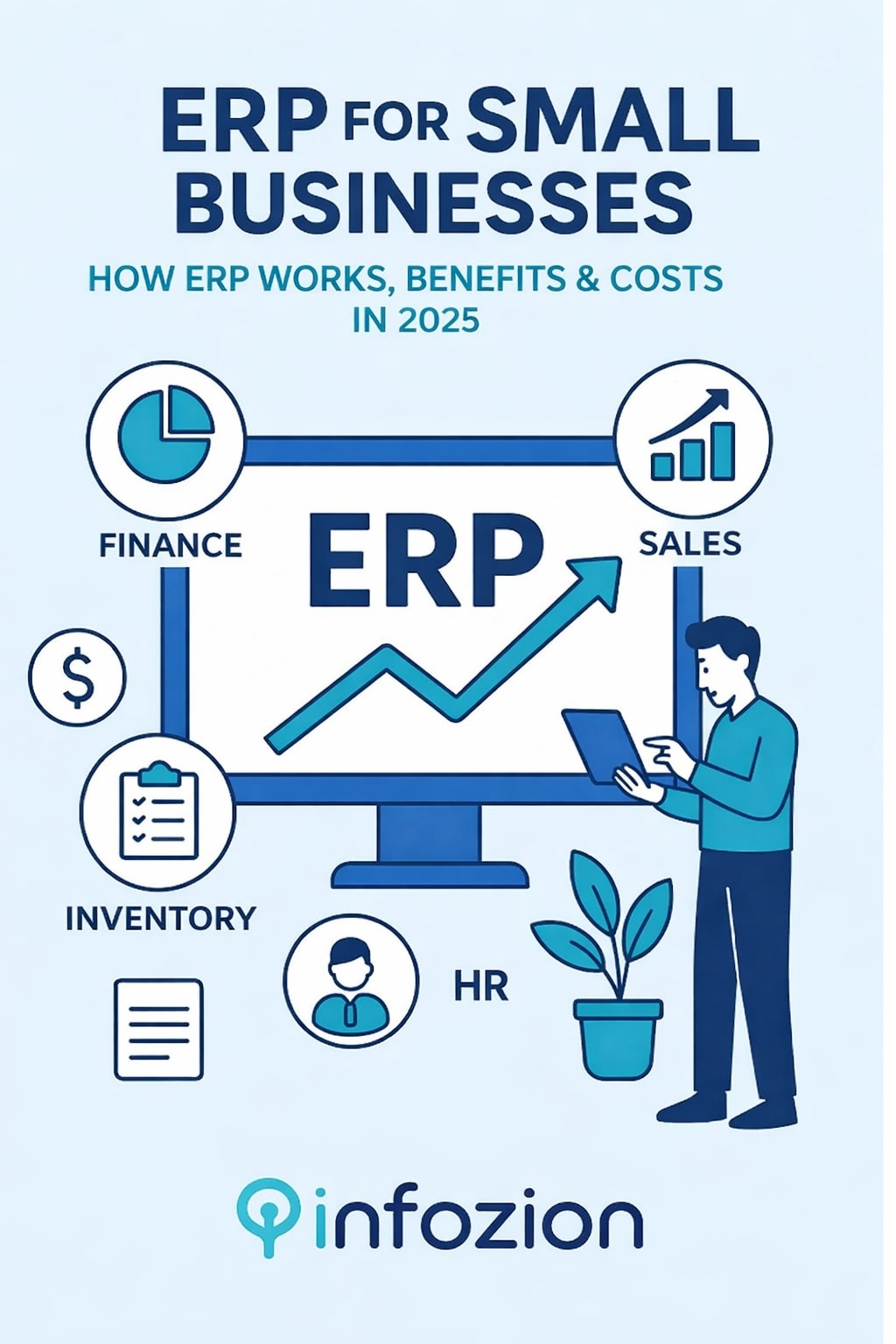
ERP for Small Businesses: A Complete Beginner-Friendly Guide for 2025
Introduction
Running a small business sounds simple, but in reality, it requires handling many things at the same time—customers, stock, payments, suppliers, employees, reports, and more. As a business grows, these tasks become harder to manage manually. This is where ERP for small businesses becomes extremely valuable. ERP brings all business processes together in one organized system to reduce mistakes, save time, and improve daily operations. Even if you are running a small shop, a startup, an agency, or a service-based company, ERP can make your work smoother and your decisions faster.
Many small business owners still rely on notebooks, WhatsApp messages, spreadsheets, and multiple apps to manage their daily operations. But this creates confusion, delays, miscommunication, and incorrect data. ERP solves all these problems by connecting everything—sales, accounts, HR, inventory, CRM, and reports—into one single platform. Today’s modern ERP tools are designed to be simple, affordable, and easy to learn, making them perfect for small businesses.
If you’re new to ERP, here is a simple, beginner-friendly explanation:
👉 https://www.infozion.in/what-is-erp/
What Is ERP, and Why Small Businesses Need It
ERP stands for Enterprise Resource Planning. It is a system that helps companies manage and automate day-to-day activities such as billing, sales tracking, inventory updates, reporting, CRM, HR, accounting, and more.
Small businesses need ERP more than ever because:
- Customers expect faster service
- Markets are more competitive
- Mistakes are expensive
- Owners must make quick decisions
- Teams need clear communication
ERP gives small businesses real-time visibility of what is happening inside the company. Instead of guessing, owners can see accurate stock levels, financial reports, sales performance, customer history, and expenses instantly.
To understand how ERP systems work in detail, explore this guide:
👉 https://www.infozion.in/erp-systems/
How ERP Works Inside a Small Business
ERP connects all departments so that every piece of information flows automatically.
Here’s a simple example:
A customer places an order → ERP updates inventory → invoice generates → payment is recorded → delivery team is notified.
This entire flow happens without anyone needing to send messages or check multiple files.
ERP becomes the central brain of the business.
Key Features of ERP for Small Businesses
1. Inventory Management
Small businesses often struggle with stock mismatches. ERP solves this by showing:
- Real-time stock levels
- Low-stock alerts
- Fast-moving and slow-moving items
- Automatic stock updates after every sale
2. Billing & Accounting
ERP generates invoices, tracks payments, manages expenses, handles taxes, and creates financial reports—all automatically.
3. Customer Relationship Management (CRM)
Small businesses can store customer data, track follow-ups, and maintain communication history.
4. Employee & HR Management
ERP manages attendance, leave, salary calculation, and employee records without paperwork.
5. Reporting & Analytics
Owners get instant reports like
- Daily sales
- Profit & loss
- Inventory summary
- Expense tracking
- Customer buying patterns
Instead of checking multiple files, everything appears on one dashboard.
Benefits of ERP for Small Businesses
1. Saves Time and Labour Costs
ERP eliminates repetitive paperwork and manual entries. Employees can focus on customer service and actual work instead of data entry.
2. Reduces Human Errors
Manual mistakes in billing, stock numbers, or accounting can harm a small business. ERP ensures accurate and updated data at all times.
3. Improved Customer Experience
ERP helps businesses respond quickly with correct information. Customers appreciate faster service and clear communication.
4. Better Decision Making
ERP provides clear reports that help owners understand what is working and what needs improvement.
5. Helps With Business Growth
As your business grows, ERP grows with you. You can add more modules, users, or features anytime.
Cloud ERP vs On-Premise ERP for Small Businesses
Most small businesses choose Cloud ERP because:
- No installation needed
- Very low upfront cost
- Works on mobile and laptop
- Automatic updates
- No IT team required
On-premise ERP is suitable only for companies with:
- Dedicated IT teams
- High customization needs
- Strong internal servers
Real-Life Example of ERP in a Small Business
Imagine you run a small clothing store.
Without ERP:
- Stock is tracked manually
- Invoices are handwritten
- Payment records are often missing
- Reports take hours to prepare
- Customers wait longer
With ERP:
- Stock updates automatically
- The invoice prints in seconds
- Payments sync instantly
- Reports ready in one click
- Customer service becomes faster
This shows how ERP transforms daily work.
Costs of ERP for Small Businesses
The cost depends on:
- Number of users
- Modules required
- Cloud or on-premise
- Custom features
- Training & support
Most small businesses choose affordable cloud ERP monthly subscription plans instead of expensive software.
Challenges Small Businesses Face Without ERP
Without ERP, businesses often experience:
- Wrong stock data
- Delayed billing
- Confused communication
- Missed follow-ups
- Unclear finances
- Lost customers
ERP fixes all these issues instantly.
How to Choose the Right ERP for Your Small Business
Check These Factors Before Choosing ERP
- Is the ERP easy to use?
- Does it fit your budget?
- Can it grow with your business?
- Does it include mobile access?
- Is customer support good?
- Are modules suitable for your industry?
A good ERP should improve your daily workflow, not make it more complicated.
External Reference
For more insights on ERP for small businesses, you can explore this reliable external resource:
Conclusion
ERP for small businesses is not optional anymore—it is essential for staying organized, competitive, and profitable.
It helps businesses save time, avoid errors, improve communication, and make smarter decisions. Whether you run a retail shop, agency, manufacturing unit, or online store, ERP can transform the way you work.
If you want to start learning ERP from scratch, begin here:
👉 https://www.infozion.in/what-is-erp/
Introduction
What is ERP is a question many people ask when they hear businesses talk about software and management tools. Although the term sounds big, the idea behind it is very simple. This system helps a company keep all its work in one organized place. It makes handling orders, customers, payments, stock, and employees easier and cleaner.
Companies deal with a lot of daily tasks, and without a proper system, things become slow and confusing. As a result, many businesses struggle with mistakes and delays. The software solves these issues by keeping information organized, updated, and easy to access. This guide explains everything in the simplest way so anyone—even a 5th-grade student—can understand it.
What Is ERP?
Enterprise Resource Planning (ERP) is a software system that connects all parts of a business. Instead of using different apps for sales, accounts, HR, and inventory, this platform brings everything together in one place. As a result, work stays organized and every team can operate smoothly without confusion.
Think of the system like a big master notebook where every department writes its information. Because everything is stored in one shared space, no one gets confused and no data gets lost.
For background reference only, an external explanation is available here but everything important is already covered in this guide.
Why Companies Use ERP
Modern businesses grow quickly. They deal with more customers, more products, and more daily tasks. When teams work separately using different tools, mistakes happen often. Someone forgets to update stock, someone enters the wrong payment, or someone loses a file—these issues are common.
This kind of system prevents such problems because it gives everyone the same updated information. It connects all departments, so when something changes, the entire company sees the update instantly. As a result, work becomes faster, errors decrease, and teamwork improves.
How This System Works in a Company
This platform works like a central brain. When one person enters new information, the entire system updates everything else automatically.
For example, if a customer buys something:
-
The stock decreases automatically.
-
The bill is created instantly.
-
The finance team sees the payment.
-
The delivery team gets the order details.
All of this happens without extra calls or messages. Everything moves smoothly because the software manages all the updates in the background.
A Simple Real-Life Example
Imagine a shop selling mobile phones. A customer buys one phone.
Without the System:
The shopkeeper writes the sale in a notebook. Later, he may forget to reduce the stock. Another customer may come, and the shopkeeper might not know the actual quantity available. This leads to confusion and mistakes.
With the System:
The shopkeeper enters the sale once. Stock reduces automatically. Billing is generated instantly, payment is recorded, and daily sales appear in reports. Everything stays organized without any extra effort.
Main Component of This Software
These platforms have many modules. The most important one is:
- Finance
How This Software Helps Every Department
This platform supports teamwork like no other system. The sales team knows what products are in stock, the purchase team knows what to order, and HR manages attendance, leaves, and salary. The finance team tracks expenses and payments easily, while the owner can view everything happening in the company from one dashboard.
Types of This System
Businesses choose the right platform based on their size and needs.
On-Premise Version
Installed inside the office on the company’s own servers.
Cloud Version
Works online and is easy to use. No need for servers. It is the most popular type today.
How ERP Has Improved Over Time
Years ago, ERP was difficult and expensive. Only large companies could use it. But now ERP is simple, flexible, and suitable for small businesses too.
ERP Implementation Overview
Introducing an ERP system takes planning. Companies must understand their workflows and choose the right modules.
If you want to understand this step-by-step, you can read the full guide here: https://www.infozion.in/erp-implementation-phases/
ERP in Different Industries
ERP is used in schools, hospitals, shops, factories, and offices. It works everywhere because it organizes data and improves speed.
Is QuickBooks an ERP?
QuickBooks is only an accounting tool. ERP handles the entire business.
ERP Cost and Value
The cost of an ERP system depends on users, company size, and required features.
Cloud-based solutions often cost less and help companies save money in the long run.
Future of ERP
ERP is becoming smarter with AI and automation. It will soon predict problems and guide businesses better.
Conclusion
ERP is one of the strongest tools for modern companies. It connects teams, organizes information, and reduces confusion.