 Infozion Technologies LLPInfozion Technologies LLP




ERP vs Accounting Software: What Is the Difference?
ERP vs Accounting Software: What Is the Difference?
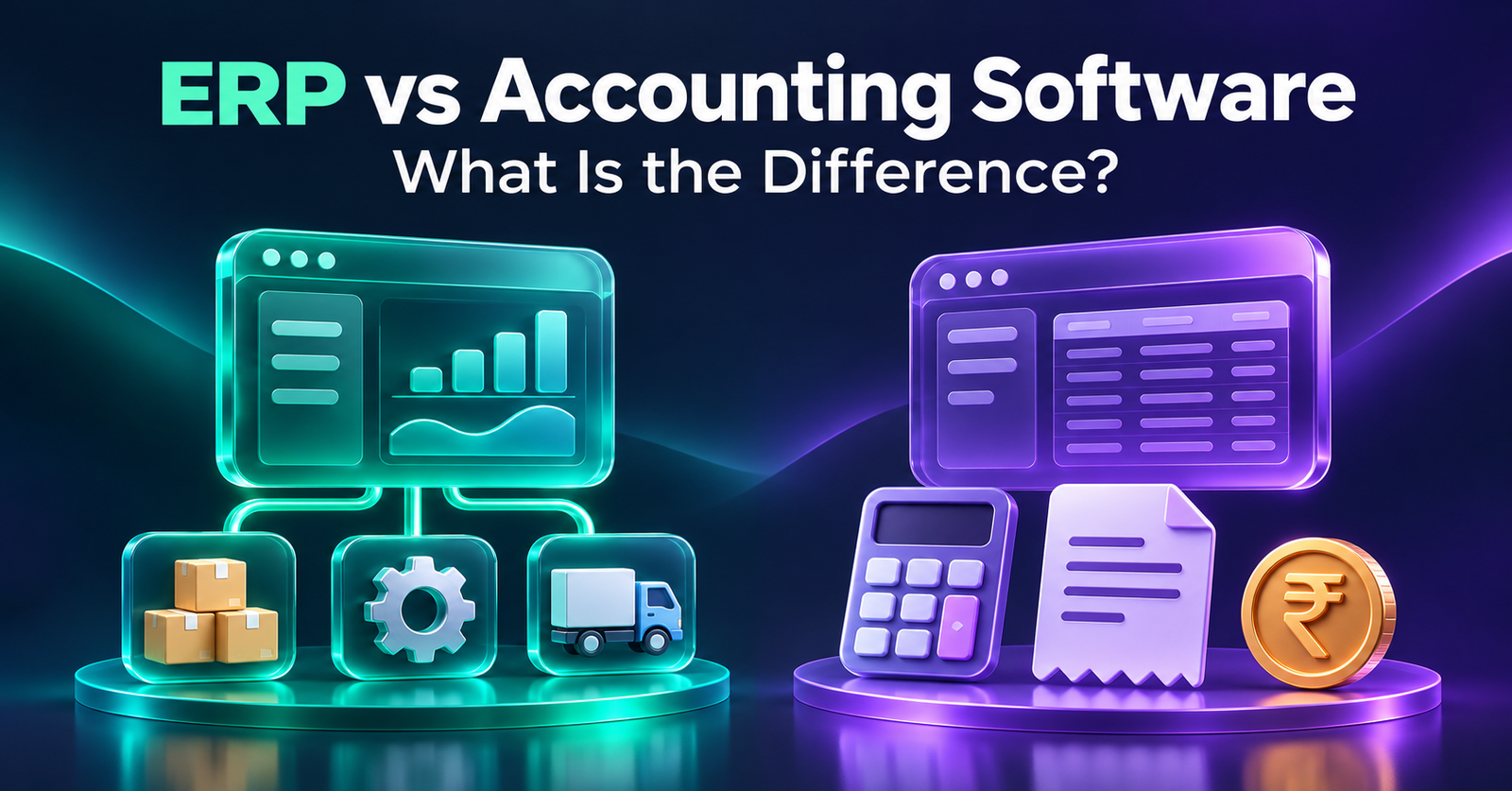
Accounting software helps you invoice customers, pay suppliers, reconcile bank transactions, and prepare financial statements. An enterprise resource planning system, or ERP, connects those finance tasks with operational work such as purchasing, inventory, order fulfilment, and production. The main difference between ERP and accounting software is how much of the work leading up to a financial transaction the system can manage.
Imagine a customer orders 100 units and you can ship only 60 today. Your accountant needs to know what to invoice. Your warehouse needs to see what’s left to pick. Your sales team needs a delivery date for the remaining 40. If those answers are spread across three tools, someone has to reconcile them. A configured ERP can link the order, shipments, and invoices so each team can see the status from its own workspace.
What does accounting software do?
Accounting software gives a business a place to record financial transactions and see what it owns, owes, earns, and spends. Common functions include the general ledger, accounts payable, accounts receivable, expense tracking, and financial reporting. Depending on the product, it may also support bank feeds, recurring billing, stock tracking, and integrations with other applications.
Think of a design agency that bills clients monthly. Its project tool tracks deadlines, and its accountant creates invoices, records payments, and checks cash flow in the accounting system. If billing is straightforward and the project tool gives managers the visibility they need, that setup can serve the agency well. An extra platform would have to solve a specific problem to justify the cost and training.
What does ERP do?
ERP connects financial and operational processes through linked modules and shared records. The modules a business uses depend on the product and implementation. A distributor might combine sales, purchasing, warehousing, and finance. A manufacturer might add production planning, bills of materials, and work orders. A services firm might prioritise project costs, time tracking, and billing. microsoft.com
The term ERP accounting software commonly describes the finance capabilities inside an ERP platform. Accounts payable, receivables, and the general ledger still do their usual jobs. What changes is how the finance team can trace an entry back to the order, receipt, shipment, or other operational event that generated it. For more examples of how these modules are packaged, see Infozion’s guide to types of ERP software. Oracle India
ERP vs accounting software at a glance
Product capabilities overlap. Some accounting tools offer inventory and purchasing features, and some ERP installations begin with finance alone. Use the table to decide what to test in the products you’re considering.
| Area | Standalone accounting software | ERP software |
|---|---|---|
| Primary purpose | Record financial activity and prepare reports | Coordinate finance and operational workflows |
| Typical users | Owners, accountants, and finance staff | Finance, sales, purchasing, warehouse, and other teams |
| Sales | Invoices, receipts, and customer balances | Can link orders, stock reservations, shipments, invoices, and returns |
| Purchasing | Supplier bills, payments, and purchase records, depending on the product | Can link requests, approvals, purchase orders, goods receipts, and bills |
| Inventory | Stock capabilities vary by plan and integration | Can connect stock movements with sales, purchasing, finance, and production |
| Reporting | Profit and loss, balance sheet, cash flow, and ageing | Financial reports with operational detail, such as fulfilment or inventory by site |
| Implementation | Often focused on finance and a few integrations | May involve shared records, cross-team testing, and role-based training |
How the same order works in each system
Suppose a wholesale distributor receives an order for 100 units. Its main warehouse can ship 60 today. Forty more units are expected from a supplier next week. The customer wants a separate invoice for each shipment.
With accounting software and separate operations tools
Sales records the order in an order management tool, the warehouse confirms the first shipment, and finance creates the invoice for 60 units. When the remaining stock arrives and ships, finance creates the second invoice. A reliable integration can transfer the shipment details automatically. If the handoff is manual, someone must keep the open order quantity, stock balance, and invoices in sync.
This approach can work well when the process is predictable. To see where it starts to strain, add one exception. If the customer returns five units from the first shipment, who updates stock, who issues the credit note, and how does sales know what the customer still owes?
With an ERP system
Sales enters the original order, the warehouse records the first shipment, and finance invoices the shipped quantity using the linked transaction. The order can show 40 units awaiting fulfilment. If five units come back, the relevant teams can process the return, decide whether the stock can be resold, and link the credit note to the original sale. Exact steps depend on how the system is configured. microsoft.com
Use this scenario in a vendor demo. Ask the salesperson to open the order while acting as a warehouse employee, then as someone in accounts receivable. Each person should be able to see what they need and know which action comes next.
Where the difference shows up in day-to-day work
Purchasing and supplier bills
A finance team can record a supplier bill in either system. A purchasing workflow in ERP can also show whether the purchase was approved, what the supplier delivered, and whether billed quantities match the receipt. If a supplier invoices for 200 units and the warehouse received 180, those linked records give the buyer and accountant a common place to investigate.
Inventory and production costs
A manufacturer may need to know why two jobs for the same product had different costs. The purchase price of a component might have changed, or one job might have used more material than planned. An ERP with manufacturing and costing capabilities can give the team records for examining those differences. Ask the vendor to demonstrate how it handles material substitutions, scrap, and finished goods receipts before evaluating its costing reports.
Reporting across locations
A monthly profit and loss report tells a retail owner how the business performed financially. When sales and stock records are connected, the owner can also investigate questions such as which store ran out of a popular item or where returns were concentrated. That level of detail depends on how store, product, and transaction data are captured. For a retail example, see Infozion’s guide to retail ERP software for POS and inventory.
Which option fits your business?
Choose accounting software when your main needs are financial
A consultancy, local service provider, or small trading company may mainly need invoices, expense tracking, payment reminders, and financial reports. If existing tools already handle orders and operations reliably, compare accounting products on ease of use, bank reconciliation, reporting, and how easily your accountant can access or export the records.
Consider ERP when multiple teams need to work from the same records
ERP software for small businesses is worth evaluating when routine work repeatedly requires staff to confirm stock, chase approvals, re-enter orders, or reconcile reports. A 15-person wholesaler with two warehouses and frequent partial shipments may have a stronger case for ERP than a much larger services firm with straightforward billing. Look at how the work flows and where errors occur. Headcount tells you little about either.
If your accounting system works well and the problem centres on one process, ask whether a reliable integration could fix it. If several teams face the same disconnect, read Infozion’s guide on when a business should upgrade to ERP to help scope the decision. Infozion
What should you compare before switching?
- First-year and renewal costs. Compare licenses, implementation, migration, integrations, training, and support. Use the same user counts, locations, and workflows when requesting quotes. Infozion’s ERP implementation cost guide for India breaks down the main cost categories. infozion.in
- Financial controls. Ask who can create a supplier, approve a purchase, post a journal, or reopen a closed period. Check whether the audit history records changes your finance team needs to review.
- India-specific requirements. If applicable to your business, have your finance team test GST invoice fields, credit notes, e-invoicing, e-way bills, and reporting exports using sample transactions.
- Data migration and reporting. Decide whether you need detailed transaction history in the new platform or whether opening balances, current stock, and open orders are sufficient. Agree on how users will access older records.
- Launch readiness. Test one normal transaction and one exception for each essential workflow. Assign owners to reconcile opening balances, stock by location, and open customer and supplier items before go-live. See Infozion’s ERP implementation best practices for more on testing and launch preparation. infozion.in
Frequently asked questions
What is the main difference between ERP and accounting software?
Accounting software manages transactions and financial reporting. ERP links those finance functions with selected operations, such as purchasing, stock movements, order fulfilment, and production. The practical difference is how much of a transaction’s history teams can follow in one system.
Can ERP replace standalone accounting software?
Yes, if the ERP finance module supports the required accounting, reporting, and local tax workflows. Ask your accountant to test a month-end close, a bank reconciliation, and a customer or supplier adjustment before approving a switch.
Can a business use ERP and accounting software together?
Yes. A business can use ERP for operations and a separate accounting tool for the ledger. Define which application owns invoices, customer records, and payments. Decide who checks for rejected, missing, or duplicate transactions between systems.
Is cloud accounting the same as cloud ERP?
Cloud describes where the software is hosted and how users access it. A cloud accounting product focuses on finance. A cloud ERP can also manage operational workflows, depending on the modules you choose.
Is ERP software for small businesses worth the cost?
It can be when shared workflows address a recurring cost, such as duplicate entry, stock discrepancies, or delays in billing. Measure the problem first so you can compare the likely benefit with both the initial rollout and ongoing costs.
Does ERP accounting software include payroll?
Payroll depends on the platform, country, and plan. It may be available through an ERP module or an integration. Ask the vendor to show how payroll entries reach the general ledger in the setup you’re evaluating.
How long does it take to move from accounting software to ERP?
Timing depends on the number of workflows, data quality, integrations, and staff availability. Ask for a schedule that includes a trial migration, end-to-end testing, user training, and time to resolve issues before launch.