 Infozion Technologies LLPInfozion Technologies LLP




How to Choose ERP Software for Your Business in India: Complete Checklist
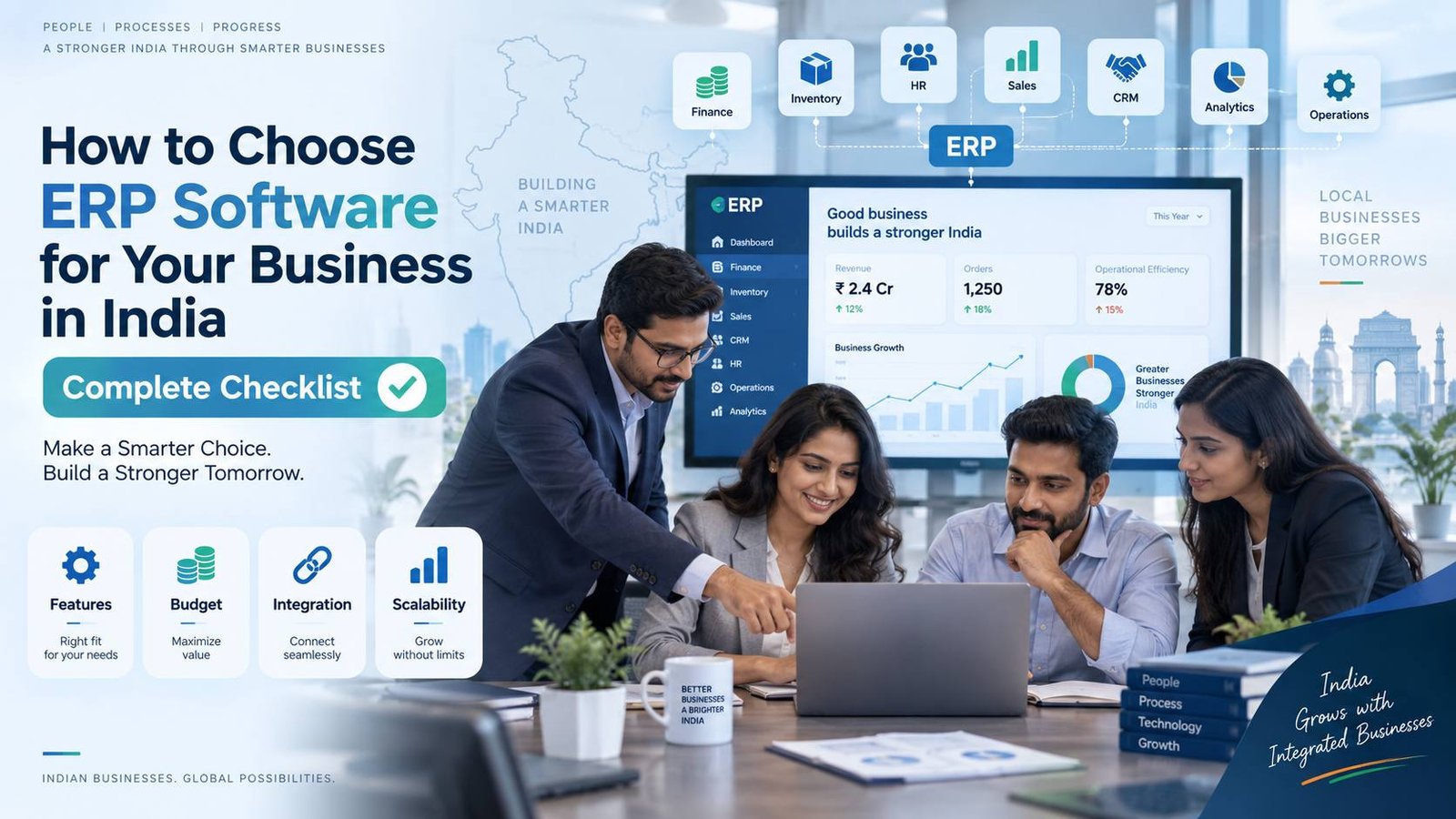
How to Choose ERP Software for Your Business in India: Complete Checklist
Choosing an ERP system is not simply about buying software with the longest feature list. The right system should solve your current operational problems, connect important departments, reduce repetitive work and continue to support the business as it grows.
If you are trying to understand how to choose ERP software, start with your business processes—not with ERP brands.
Indian companies may need to manage sales, finance, GST-related workflows, inventory, procurement, manufacturing, customer relationships, projects, employees and multiple branches from one system. Your ERP should bring the processes relevant to your business together without making daily work unnecessarily complicated.
For businesses still exploring their options, you can first review different ERP software solutions for Indian businesses to understand how ERP requirements differ between industries.
How Do You Choose the Right ERP Software?
The best way to choose ERP software is to first identify your business problems, define the modules you actually need, set a realistic budget, evaluate integration and customisation requirements, check India-specific functionality, test the software with real workflows and compare implementation partners before making a final decision.
A practical ERP selection process should answer these questions:
- What business problems are we trying to solve?
- Which departments need to use the ERP?
- Which features are essential from day one?
- Can the system integrate with our existing applications?
- Can it handle Indian accounting and compliance requirements relevant to us?
- Can it support additional users, branches and processes later?
- How much will implementation, training and customisation cost?
- Who will migrate our existing data?
- How long will implementation realistically take?
- What happens after the ERP goes live?
Key point: Do not choose an ERP because it looks impressive during a sales demo. Choose it because it fits your actual workflow.
What Is ERP Software?
ERP stands for Enterprise Resource Planning.
ERP software is a central business management system that connects data and processes from different departments within one platform.
Depending on the organisation, an ERP may manage:
- Accounting and finance
- Sales
- Purchase and procurement
- Inventory
- Manufacturing
- Supply chain
- CRM
- Human resources
- Projects
- Service operations
- Reporting and analytics
- Multi-location operations
Instead of finance maintaining one set of spreadsheets, sales using another application and inventory being updated separately, ERP creates a more connected source of business information.
Simple Example
Imagine a manufacturing company receives a large customer order.
Without an integrated ERP, employees may need to manually check inventory, confirm production capacity, create a purchase requirement, update finance and coordinate dispatch separately.
With the right ERP:
Customer Order → Stock Check → Production Planning → Procurement → Inventory → Invoice → Dispatch → Payment Tracking
can be connected within a structured workflow.
That is why ERP selection should focus heavily on how information moves across your organisation.
Why Choosing the Right ERP Matters
ERP can affect almost every important part of a business.
A suitable ERP can help reduce:
- Duplicate data entry
- Spreadsheet dependency
- Manual reporting
- Inventory inconsistencies
- Approval delays
- Communication gaps
- Repetitive administrative tasks
It can also improve management visibility by providing more consistent data across departments.
However, an ERP that does not match your workflows can create a different problem: employees may start working outside the system again.
You could end up paying for an ERP while your team still relies on Excel, WhatsApp, emails and disconnected applications.
That is why understanding how to choose ERP software before speaking to vendors can significantly improve the selection process.
Complete ERP Selection Checklist for Indian Businesses
1. Start With Your Business Problems
Before comparing products, document exactly why you need ERP.
Do not begin with:
“We need an ERP.”
Begin with:
“What problems should ERP fix?”
For example:
- Inventory numbers are frequently inaccurate.
- Management reports take several days to prepare.
- Sales and finance maintain different customer information.
- Purchase approvals happen through email or WhatsApp.
- Multiple branches cannot access consistent information.
- Manufacturing planning is mostly manual.
- Teams repeatedly enter the same information into different tools.
Create a list of your top problems and rank them by business impact.
Quick Answer
What should a company do before buying ERP software?
A company should map its current processes, identify operational problems, define expected improvements and decide which departments need to be included in the ERP.
2. Map Your Existing Business Processes
Next, document how work actually happens inside your company.
For every important workflow, record:
Trigger → People Involved → Steps → Approval → Data Used → Final Output
For example:
Sales Enquiry → Quotation → Approval → Sales Order → Inventory → Dispatch → Invoice → Payment
Do this for:
- Sales
- Purchasing
- Inventory
- Finance
- Manufacturing
- HR
- Projects
- Customer service
This process map becomes one of the most important documents during ERP evaluation.
Key point: Never allow an ERP demo to define your requirements. Your business workflow should define the demo.
3. Separate Must-Have and Nice-to-Have Features
Many companies create enormous ERP requirement lists.
That usually makes the evaluation more confusing.
Separate requirements into three groups:
Must Have
Functions without which the ERP cannot operate properly for your business.
Should Have
Important capabilities that would improve efficiency but are not immediate deal-breakers.
Nice to Have
Advanced capabilities that could be introduced later.
For example:
| Priority | Requirement |
|---|---|
| Must Have | Inventory management |
| Must Have | Accounting integration |
| Must Have | Purchase approvals |
| Must Have | Role-based user access |
| Should Have | Mobile approvals |
| Should Have | Automated dashboards |
| Nice to Have | AI-based forecasting |
This prevents attractive but unnecessary features from influencing the decision.
4. Identify the ERP Modules You Actually Need
Your ERP does not necessarily need every available module.
A trading company may prioritise:
Sales + Purchase + Inventory + Finance + CRM
A manufacturing company may need:
Production + BOM + MRP + Quality + Inventory + Procurement + Finance
A service company may require:
CRM + Projects + Billing + HR + Finance
A healthcare organisation may need completely different operational workflows.
Infozion’s ERP software solutions are structured around different industries, including manufacturing, automotive, healthcare, e-waste and freight forwarding, which illustrates why industry requirements should be considered before choosing modules.
5. Check India-Specific Business Requirements
Businesses operating in India should evaluate whether the ERP can accommodate the financial and operational processes relevant to their organisation.
Depending on your business, examine requirements such as:
- GST invoicing
- GST reports
- E-invoicing workflows where applicable
- E-way bill integration where applicable
- TDS-related accounting workflows
- Multiple GST registrations
- Multiple branches
- INR and multi-currency transactions
- Local accounting requirements
- Indian financial reporting structures
Do not simply ask:
“Does the ERP support GST?”
Ask the vendor to demonstrate the actual transaction and reporting workflow your finance team will use.
6. Evaluate Industry-Specific Features
Generic ERP functionality may not be enough for every organisation.
A manufacturer, hospital, dealer and logistics business may all use ERP, but their workflows are fundamentally different.
Manufacturing
Look for:
- Bill of Materials
- MRP
- Production planning
- Work orders
- Quality control
- Raw-material inventory
- Batch or serial tracking
Distribution
Look for:
- Multi-warehouse inventory
- Sales orders
- Purchase management
- Reordering
- Batch tracking
- Dispatch management
Automotive
Requirements might include:
- Vehicle inventory
- Job cards
- Spare parts
- Service records
- CRM
- Billing
Healthcare
Requirements can include:
- Patient workflows
- Billing
- Pharmacy inventory
- Department management
- Role-based access
This industry fit is one of the most important factors when deciding how to choose ERP software.
7. Cloud ERP vs On-Premise ERP
Another important decision is where the ERP will operate.
Cloud ERP
The software is hosted on cloud infrastructure and accessed through the internet.
It can be suitable for companies wanting:
- Remote access
- Easier expansion
- Centralised operations
- Lower internal infrastructure dependency
- Faster deployment
On-Premise ERP
The system operates primarily on infrastructure controlled by your organisation.
It may be considered where organisations require greater control over internal infrastructure or have specific operational policies.
Hybrid Approach
Some businesses use a combination of cloud and on-premise infrastructure.
Do not choose purely on trend. Choose based on security requirements, infrastructure, integrations, operating locations and long-term IT strategy.
8. Check Integration Capabilities
ERP rarely operates completely alone.
Your organisation may already use:
- CRM
- E-commerce platforms
- Payment gateways
- Banking applications
- Payroll
- Attendance systems
- Logistics platforms
- Business intelligence tools
- Mobile applications
- Third-party APIs
Create an integration map before finalising your ERP.
Ask:
Does the ERP provide APIs?
Are integrations real-time or scheduled?
Who develops and maintains the integration?
What happens when one connected system changes?
Integration costs should also be considered in the implementation budget.
9. Evaluate Customisation Carefully
Customisation can make an ERP better aligned with your workflows, but unnecessary customisation can increase complexity.
Before approving a custom feature, ask:
Can our process use the ERP’s standard workflow?
If yes, customisation may not be required.
Customisation is more valuable where a process genuinely differentiates your business or where standard functionality cannot meet an essential operational requirement.
Best practice: Configure first. Customise only where necessary.
10. Check Scalability
Do not select ERP only for your current company size.
Think about where the organisation could be in three to five years.
Ask whether the system can support:
- More users
- More customers
- Higher transaction volumes
- Additional warehouses
- New branches
- New companies
- New product lines
- International operations
- Additional modules
A growing organisation should not need to replace its entire ERP simply because business volume increases.
11. Check Security and User Permissions
ERP contains some of an organisation’s most valuable information.
Security evaluation should therefore be part of the buying process.
Check for:
- Role-based access control
- User permissions
- Approval workflows
- Audit logs
- Backup processes
- Data encryption
- Authentication controls
- Disaster recovery planning
- Access monitoring
Finance data should not automatically be visible to every user simply because they have an ERP login.
Access should follow job responsibilities.
12. Make Sure Employees Can Actually Use It
A powerful ERP that employees avoid using will not deliver its intended value.
During evaluation, include employees from departments that will use the system daily.
Ask them:
- Is navigation understandable?
- Can common tasks be completed efficiently?
- How many steps are required?
- Is important information easy to locate?
- Can users learn the system without excessive complexity?
ERP selection should not be an IT-only decision.
Finance, sales, operations, HR, inventory and management should contribute to the evaluation.
13. Request a Workflow-Based Demo
Avoid accepting only a standard vendor demonstration.
Provide vendors with examples from your own business.
For example:
Show us how a customer enquiry becomes a quotation, then a sales order, stock allocation, dispatch, invoice and payment.
Or:
Show us how raw materials are purchased, received, consumed during production and converted into finished goods.
A real workflow demonstration makes differences between ERP systems much easier to understand.
14. Evaluate Data Migration
Companies often underestimate data migration.
Your existing information may be spread across:
- Excel
- Accounting software
- CRM systems
- Legacy ERP
- Local databases
- Paper records
Decide what needs to migrate.
Typical ERP migration data includes:
- Customers
- Vendors
- Products
- Opening inventory
- Chart of accounts
- Outstanding invoices
- Purchase orders
- Sales orders
- Employee records
- Historical transactions
Also decide how old, duplicated or incorrect records will be cleaned before migration.
Bad data transferred into a new ERP remains bad data.
15. Calculate the Total Cost of ERP
Do not compare ERP systems only by licence price.
Your total ERP investment may include:
- Software licence or subscription
- Implementation
- Customisation
- Integrations
- Data migration
- Infrastructure
- User training
- Testing
- Maintenance
- Upgrades
- Additional users
- Future modules
A cheaper quotation can become expensive if important implementation items are excluded.
When comparing proposals, use a three-year total cost of ownership rather than just the initial software cost.
16. Evaluate the ERP Implementation Partner
The technology is only one part of ERP success.
The implementation team should understand:
- Your industry
- Your workflows
- Your reporting requirements
- Integration needs
- Data migration
- User training
- Process changes
- Future expansion
A good ERP implementation discussion should contain many questions about your business.
Be cautious if a provider recommends a complete solution before understanding how your organisation operates.
17. Check Training and Adoption
ERP implementation does not end when the software goes live.
Employees must understand:
- What is changing
- Why it is changing
- How their daily work will change
- How to perform common tasks
- Who handles questions internally
- Which processes are now mandatory
Consider identifying ERP champions within important departments.
These users can learn the system deeply and help other employees during adoption.
18. Run a Pilot Before Full Rollout
For larger implementations, consider testing important processes before deploying everything.
A pilot might involve:
- One branch
- One department
- One warehouse
- One product group
- One business process
Testing with real users can reveal workflow, integration and training gaps before the ERP is deployed throughout the company.
ERP Software Evaluation Scorecard
When learning how to choose ERP software, a weighted scorecard can make vendor comparison more objective.
| Evaluation Area | Suggested Importance |
|---|---|
| Business Process Fit | Very High |
| Essential Features | Very High |
| Industry Fit | Very High |
| Integration Capability | High |
| India-Specific Requirements | High |
| Ease of Use | High |
| Scalability | High |
| Security | High |
| Implementation Capability | High |
| Customisation | Medium–High |
| Reporting & Analytics | Medium–High |
| Total Cost | High |
| Training | Medium–High |
Instead of simply declaring Vendor A or Vendor B the winner, score each system against requirements agreed upon by the business beforehand.
This helps reduce decisions based purely on sales presentations.
ERP Vendor Questions Checklist
Before signing a contract, ask the ERP provider:
- Which of our requirements are standard features?
- Which functions need configuration?
- Which functions require custom development?
- What integrations are included?
- What will integrations cost?
- Who is responsible for data migration?
- How will data be validated?
- How many training sessions are included?
- What is the implementation methodology?
- What resources do you need from our company?
- What happens when project scope changes?
- How are future upgrades managed?
- Can additional users and branches be added?
- What reports are included?
- Can dashboards be customised?
- What happens after go-live?
- Which costs are recurring?
- Which costs are one-time?
Get important commitments documented rather than relying only on verbal discussions.
Common ERP Selection Mistakes to Avoid
Choosing Based Only on Price
Lowest initial cost does not automatically mean lowest long-term cost.
Buying Too Many Features
Unused features add complexity without necessarily adding value.
Ignoring Employees
ERP ultimately has to be used by people performing daily business processes.
Customising Everything
Excessive customisation can make implementation and future updates more difficult.
Ignoring Data Quality
Poor-quality legacy data can damage even a well-designed ERP implementation.
Not Planning Integrations
An ERP that cannot communicate effectively with essential applications can create new information silos.
Selecting a Vendor Before Mapping Processes
You need to understand what the business requires before judging which system fits.
How Long Does ERP Selection Take?
There is no single correct ERP selection timeline.
A smaller business with straightforward requirements may reach a decision relatively quickly, while a multi-location manufacturer with integrations, custom workflows and complex migration needs will require a longer evaluation.
A typical selection process includes:
Business Discovery → Requirement Mapping → Vendor Shortlisting → Product Demo → Technical Evaluation → Cost Comparison → Reference Checks → Final Selection
The goal should not be to select ERP as quickly as possible.
The goal should be to make a well-informed decision while avoiding unnecessary delays.
How to Know If an ERP Is Right for Your Business
Before approving the final system, check whether you can confidently answer yes to these questions:
✅ Does it solve our highest-priority business problems?
✅ Does it support our critical workflows?
✅ Can our employees use it comfortably?
✅ Does it integrate with essential systems?
✅ Does it support relevant Indian business requirements?
✅ Can it grow with us?
✅ Are security and permissions adequate?
✅ Is the total implementation cost clear?
✅ Is the implementation partner capable of delivering the project?
✅ Do we have a realistic migration and training plan?
If several critical answers are still “no” or “we don’t know,” continue the evaluation before committing.
Final ERP Selection Checklist
Before making the final decision, verify:
Business Requirements
- Process mapping completed
- Major problems documented
- Goals clearly defined
Features
- Must-have modules available
- Industry-specific requirements covered
- Reporting requirements covered
Technology
- Integrations confirmed
- APIs evaluated
- Cloud/on-premise strategy decided
- Security reviewed
Implementation
- Migration plan created
- Timeline agreed
- Responsibilities assigned
- Training included
- Testing plan prepared
Commercial
- Licence costs clear
- Implementation fees clear
- Customisation cost clear
- Integration cost clear
- Recurring costs documented
- Three-year cost reviewed
Future Readiness
- Additional users supported
- More branches supported
- Additional modules available
- Scaling capability confirmed
Frequently Asked Questions
1. How to choose ERP software for a business?
To understand how to choose ERP software, first identify the business problems you want to solve, document critical workflows, define required modules, check integration and scalability, evaluate total cost and then test shortlisted ERP systems using real business scenarios.
2. What is the most important factor when selecting ERP software?
The most important factor is business-process fit. ERP should support the way essential operations work while improving inefficient processes instead of forcing employees to maintain parallel manual systems.
3. What ERP features should Indian businesses look for?
Requirements vary by industry, but businesses commonly evaluate accounting, GST-related workflows, inventory, sales, purchases, CRM, reporting, multi-branch management, integrations, security and role-based access.
4. Should a small business use ERP?
ERP can be useful for a growing small business when separate spreadsheets and applications begin creating duplicate work, inaccurate information or poor visibility. The system should match the business’s size and actual operational complexity.
5. Is cloud ERP better for Indian businesses?
Cloud ERP can offer remote access, easier expansion and reduced dependence on internal infrastructure, but the right deployment model depends on security requirements, integrations, connectivity, existing infrastructure and company policies.
6. How much does ERP software cost in India?
ERP cost depends on factors including users, modules, customisation, integrations, migration, deployment, training and implementation complexity. Businesses should compare total cost of ownership instead of licence price alone.
7. What should I ask during an ERP demo?
Ask the provider to demonstrate your real workflows rather than only showing standard features. Test sales, purchasing, inventory, finance, approvals, reporting or production processes that employees perform regularly.
8. Should ERP software be customised?
Customisation should be used where important business processes genuinely require it. Standard configuration is usually preferable when it can meet requirements because unnecessary customisation can increase cost and complexity.
9. How do I compare different ERP vendors?
Create a common evaluation checklist covering business fit, features, industry capabilities, integrations, usability, scalability, security, implementation, training and total cost. Ask every vendor to demonstrate the same core scenarios.
10. When should a business replace Excel with ERP?
A business should consider ERP when spreadsheets create duplicate data, inaccurate inventory, slow reporting, weak cross-department visibility or difficulty managing growing transaction volumes and locations.
Conclusion
Learning how to choose ERP software begins with understanding your business—not comparing software brands.
Map your workflows, prioritise requirements, involve the employees who will use the system, check integrations, evaluate India-specific needs, calculate the complete cost and test each shortlisted ERP against real scenarios.
The right ERP should not simply digitise existing paperwork. It should create a more connected way for departments to work, give management clearer visibility and provide a foundation that can scale with the organisation.
If your business is currently evaluating options, explore Infozion’s ERP software solutions for businesses in India to understand different industry-specific ERP capabilities.
You can also explore Infozion Technologies for broader business technology and digital transformation solutions.