 Infozion Technologies LLPInfozion Technologies LLP




How to Reduce ERP Implementation Cost Without Cutting Critical Features
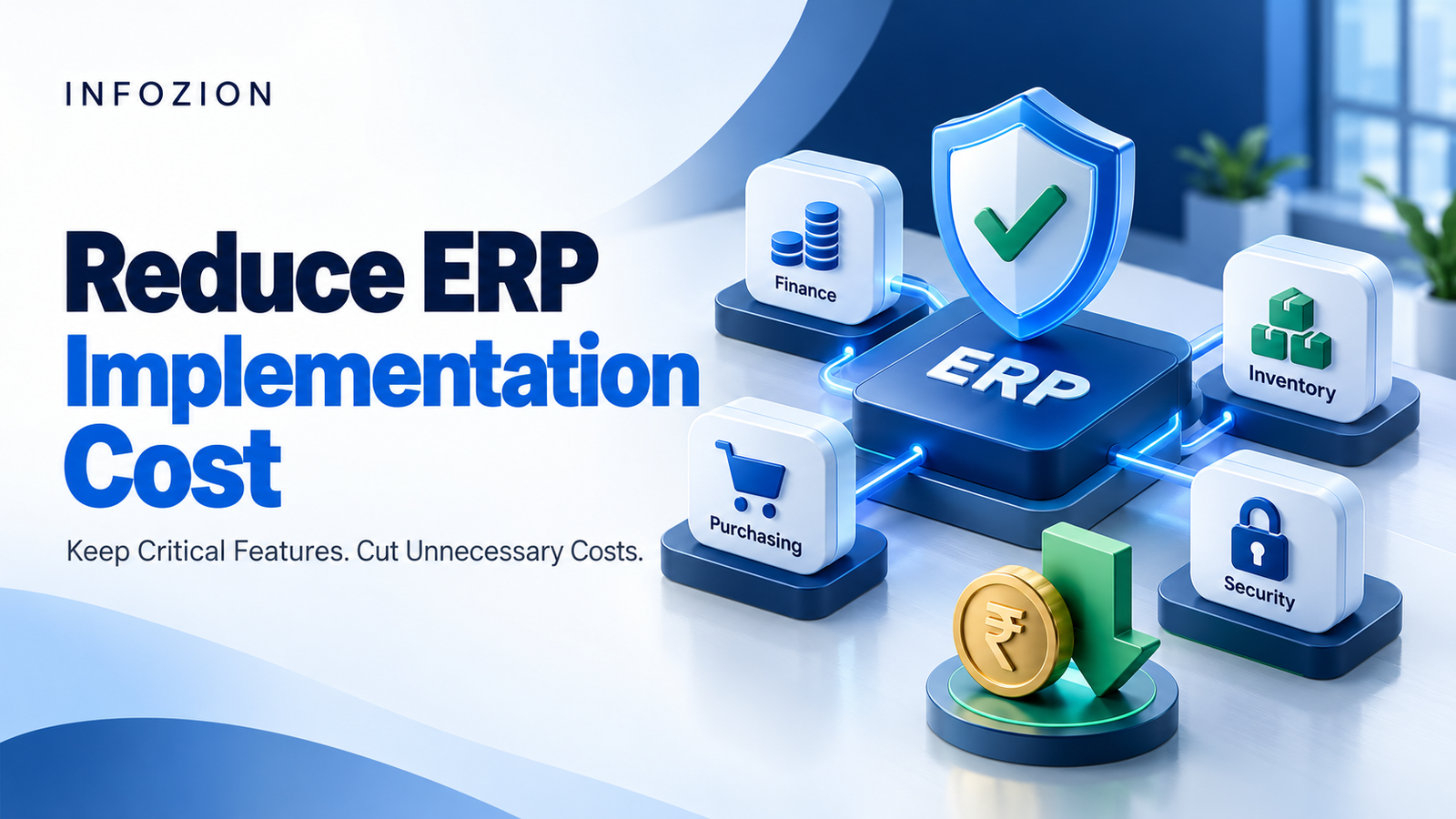
How to Reduce ERP Implementation Cost Without Cutting Critical Features
Quick Answer: How Can You Reduce ERP Implementation Cost?
To reduce ERP implementation cost, define essential workflows before choosing software, use standard configuration where suitable, clean data early and introduce optional capabilities in planned phases. Compare total ownership costs, control scope changes and test integrations before launch. Protect security, financial accuracy, necessary compliance capabilities, employee training and business-critical functionality.
An ERP project should make everyday operations easier. Yet implementation budgets can grow when requirements remain unclear, teams recreate outdated processes or important decisions arrive after development begins.
The answer is to remove avoidable work while preserving the capabilities your business needs to operate reliably.
For a manufacturer, this might mean keeping material planning and batch traceability while postponing a decorative dashboard. For a distributor, reliable stock availability may matter more than launching every customer portal feature immediately.
This guide explains practical ERP cost optimization decisions that business owners, finance leaders and IT teams can make before and during implementation.
What Does ERP Implementation Cost Include?
ERP implementation cost covers the work needed to prepare, configure, connect, validate and launch an enterprise resource planning system. Software subscriptions or licences may be quoted separately.
Build your budget around these components:
- Business discovery and process mapping.
- Platform configuration and necessary custom development.
- Data preparation, migration and reconciliation.
- Connections with existing business systems.
- Testing, employee training and launch preparation.
- Project management and post-launch stabilisation.
Also budget for internal employee time, hosting, recurring subscriptions and ongoing maintenance.
For local budgeting context, read Infozion’s ERP implementation cost in India guide. Use any published range as an initial reference; obtain a quotation based on your actual requirements.
Which ERP Features Should You Protect?
A feature is critical when its absence prevents essential transactions, weakens required controls or creates an unacceptable operational risk.
Classify requirements before discussing cuts:
| Requirement category | Example | Budget decision |
| Essential operations | Purchasing, order processing and stock transactions | Protect the complete workflow |
| Financial controls | Posting accuracy, approvals and reconciliation | Protect and validate |
| Security and recovery | Appropriate access, backups and recovery procedures | Protect according to business risk |
| Required traceability | Batch, serial or transaction history where needed | Confirm coverage before launch |
| Optional convenience | Extra dashboard layouts or cosmetic changes | Simplify or defer |
| Advanced capability | Forecasting or additional automation | Phase when dependencies allow |
These categories depend on your business. Forecasting may be optional for one company and essential for another.
Ask each department: “What would fail if this capability were unavailable at launch?” Require a concrete answer and a named process owner.
1. Define Business Outcomes Before Comparing Software
Start with the problems you need to solve.
“Better inventory management” is too broad for reliable estimating. “Warehouse teams need accurate stock availability before confirming orders” gives the implementation team something specific to demonstrate and price.
For each requirement, document the current problem, expected workflow, responsible department and acceptance condition.
For example, an approval requirement could state that purchases above a defined threshold must reach an authorised manager before an order is released.
This preparation supports ERP implementation budget planning because suppliers can estimate the same deliverables. It also reduces disagreements about what “included” means.
Approve a baseline scope before development begins, and keep unresolved assumptions visible.
2. Run a Fit-Gap Assessment Before Customising
A fit-gap assessment compares business requirements with the proposed system’s existing capabilities.
Classify each requirement as:
- Fit: Existing functionality meets the need.
- Configuration: Settings or workflow rules can address it.
- Gap: An extension, integration or alternative approach is necessary.
- Deferred: Delivery can wait without compromising launch.
Microsoft’s Dynamics 365 guidance recommends beginning with standard processes and adapting them where justified. It explains that unnecessary customisation adds design, coding, testing, training and documentation work.
Use Infozion’s ERP fit-gap analysis guide and template to organise the assessment.
Require a demonstration with realistic transactions. A feature appearing on a product checklist does not establish that it handles your exceptions.
3. Configure First and Customise Where Value Justifies It
Configuration changes settings within the existing product. Customisation adds or alters functionality through development.
For instance, a configurable approval rule may achieve the same control as a newly developed approval screen.
Before approving custom work, ask:
- Which business requirement does it fulfil?
- Can configuration or a reasonable process change fulfil it?
- What happens if we do not build it?
- What will testing, maintenance and upgrades require?
Custom development can be justified for essential industry workflows or a meaningful competitive advantage.
However, recreating every familiar spreadsheet layout can absorb budget without improving decisions. Compare the business outcome and lifecycle effort of each option.
4. Use Phased ERP Implementation Carefully
Phased ERP implementation introduces the system through planned stages, such as departments, locations or connected process groups.
It can spread expenditure and allow lessons from an earlier rollout to inform later work. However, it does not automatically lower total cost. Temporary interfaces, parallel systems and repeated training can add expense.
Define a usable end-to-end process for every phase.
A distribution rollout might introduce purchasing, inventory, sales and finance together, then add optional analytics later. Launching sales without dependable stock or accounting connections could create additional manual work.
Document phase dependencies, temporary arrangements and the conditions for moving forward.
5. Clean and Select Data Before Migration
Poor data creates avoidable migration work.
Duplicate suppliers, inconsistent product units and incomplete customer details may require repeated correction during trial imports.
Assign business owners to review records before migration starts. Agree naming conventions, required fields, duplicate-handling rules and approval responsibilities.
Separate active master records, opening balances, outstanding transactions and historical information. Decide which history must enter the new ERP and which can remain in a secure, accessible archive.
Check applicable retention and operational requirements before excluding records.
Rehearse the migration and reconcile important totals. A successful upload alone does not confirm that balances, quantities and relationships are correct.
6. Prioritise Integrations by Operational Need
An ERP may connect with e-commerce, banking, CRM, warehouse or other systems. Each connection creates development, testing and maintenance responsibilities.
Create an integration inventory showing:
- The business purpose and responsible owner.
- Which system owns each record.
- Required data and transfer frequency.
- Error detection and recovery procedures.
Use established connectors where they meet your requirements, but verify compatibility, licensing and maintenance arrangements.
Real-time exchange is appropriate when delays would disrupt operations. Scheduled synchronisation may suit less urgent information.
Protect essential connections. Postpone low-value automation only when the temporary process has a clear owner and manageable workload.
7. Compare Total Cost of Ownership
The cheapest implementation quotation may leave out work that another proposal includes.
Compare suppliers over a common planning period, using equivalent assumptions about users, modules, locations and transaction volumes.
A practical model is:
Total ownership cost = implementation + recurring software and infrastructure + maintenance + internal effort + planned enhancements.
Keep contingency visible rather than hiding it inside individual estimates.
Include data migration attempts, environments, travel, training materials, third-party charges and post-launch assistance in your comparison.
Avoid double-counting items already bundled into a subscription or service fee. Ask how costs change when user numbers grow, additional locations open or the contract renews.
8. Match Software Access to Actual Roles
Review what different employees need to do.
A finance manager, warehouse operator and occasional approver may need different permissions and, depending on the product, different licence types.
Map each role to required activities before buying access. Confirm permitted usage with the software provider; a cheaper licence is unsuitable if it excludes necessary transactions.
Review inactive accounts and unused modules at agreed intervals.
Do not share individual credentials to reduce subscriptions. Individual access helps maintain accountability and appropriate permissions.
For custom software, clarify whether charges depend on users, locations, hosting capacity or another commercial measure.
9. Keep Training and Testing in the Budget
Removing training may reduce the quotation while leaving employees unable to complete everyday tasks confidently.
Use role-based sessions built around actual work: receiving goods, correcting an invoice, authorising a purchase or handling a return.
Identify internal users who can help colleagues, and provide short instructions for recurring tasks.
Test complete business journeys, exception scenarios, migrated records and critical connections. Microsoft’s implementation guidance recommends matching testing scope to business risk and beginning testing early.
Protect acceptance testing by the people who will operate the system. Set launch criteria around unresolved business impact, rather than simply reaching the scheduled date.
10. Control Changes and Clarify Partner Responsibilities
Late requests should have a visible impact assessment.
For every proposed change, record its purpose, priority, cost, delivery effect and dependencies. Classify it as necessary now, suitable for a later phase or unnecessary.
Nominate an authorised decision-maker and agree response deadlines. Delayed approvals can leave consultants waiting or force work to be repeated.
Tie project milestones to reviewable deliverables and written acceptance criteria.
When evaluating suppliers, use Infozion’s guide to choosing an ERP implementation partner in India. Compare the proposed team, relevant experience, responsibilities and commercial exclusions alongside price.
Example: Finding Savings Without Weakening Operations
Consider a hypothetical distributor reviewing a ₹12 lakh implementation plan.
Its team identifies custom reports that standard reporting can replace, an optional portal that can wait and duplicate data that employees can clean before migration.
| Proposed adjustment | Illustrative budget effect |
| Replace unnecessary custom reports | ₹80,000 removed from current scope |
| Defer optional portal development | ₹1,20,000 moved to a later phase |
| Complete agreed data preparation internally | ₹40,000 less supplier effort |
| Additional temporary coordination | ₹20,000 added |
| Net reduction in initial external spend | ₹2,20,000 |
Initial external spend becomes ₹9.8 lakh in this example. These are illustrative figures, not market prices or guaranteed savings.
The deferred portal remains a future cost. Internal data preparation consumes employee time. The business must account for both when evaluating total savings.
Financial controls, essential integrations, security, testing and training remain funded.
Frequently Asked Questions
What is the best way to reduce ERP implementation cost?
Start with a clear scope and a demonstrated fit between business requirements and software capabilities. Remove unnecessary development, prepare data early and control changes. Evaluate savings against the full business workflow, including maintenance, internal effort and operational risk.
Can ERP costs be reduced without removing modules?
Yes. Businesses can simplify reports, configure existing workflows, improve data readiness and remove duplicate work while retaining necessary modules. The opportunity depends on the original scope and the system’s capabilities. Ask the implementation team to itemise the effect of each adjustment.
Is cloud ERP always cheaper?
No. Cloud deployment can change upfront infrastructure requirements, but subscriptions, storage, integrations and ongoing services affect the overall cost. Compare cloud and on-premises options over the same period using equivalent requirements, rather than assuming one model always costs less.
How much can a business save on ERP implementation?
There is no reliable universal percentage. Savings depend on unnecessary customisation, data quality, licensing, integrations and delivery arrangements. Build a before-and-after estimate for each proposed change, and separate permanent savings from costs postponed to later phases.
What should never be cut from an ERP budget?
Protect capabilities required for essential transactions, accurate financial records, appropriate security, recovery and applicable obligations. Keep proportionate testing, training and launch preparation. The exact priorities should be approved by business owners after assessing the consequences of failure.
Does a phased rollout guarantee lower ERP costs?
No. A phased rollout can make spending easier to manage and reduce the impact of problems. It may also create temporary connections, repeated activities and parallel-system costs. Compare those expenses with the expected benefits before deciding on the rollout approach.
Plan Your ERP Budget With Infozion
To reduce ERP implementation cost sustainably, focus on clear requirements, appropriate configuration, prepared data and disciplined delivery. Judge each saving by whether essential business outcomes remain achievable.
Bring your current tools, workflow priorities, integration list and budget assumptions to an ERP discussion. Ask which requirements can be configured, which need development and which can wait.
Discuss your ERP requirements with Infozion to assess a scope that balances implementation expenditure with the capabilities your business needs.