 Infozion Technologies LLPInfozion Technologies LLP




ERP vs Accounting Software: When Should a Business Upgrade?
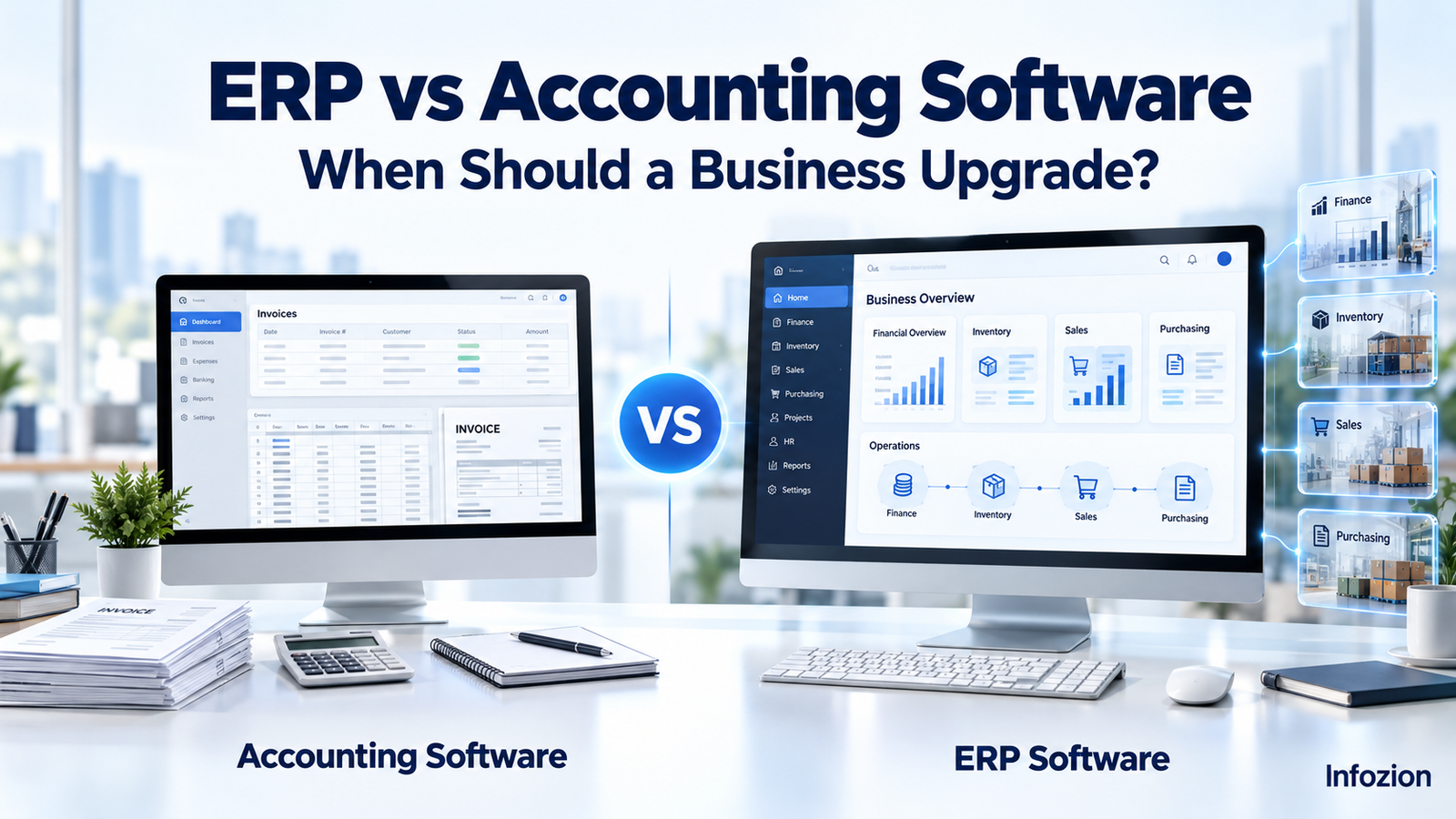
ERP vs Accounting Software: When Should a Business Upgrade?
Your accounting software may be doing its job well. Invoices are being created, expenses are recorded, and your finance team can prepare reports. Yet everyday business operations may still feel difficult to manage.
Sales employees keep asking about stock availability. Purchase requests move through emails. Warehouse updates arrive late. Managers need several spreadsheets to understand how the business is performing.
This is where the ERP vs accounting software discussion becomes useful.
The right choice depends on the work your business needs to manage, the information your teams share, and the problems your existing systems create. This guide explains the differences, the signs that an upgrade may be worthwhile, and how to plan your next step.
Quick Answer: When Should a Business Upgrade?
A business should consider upgrading to ERP when disconnected systems repeatedly cause duplicate work, unreliable stock information, delayed reporting or missed handovers between departments. Accounting software may remain suitable when financial management is the main requirement and existing tools handle operations reliably.
Before upgrading, check whether better processes, existing software features or a focused integration could solve the problem.
What Is Accounting Software?
Accounting software helps a business organise financial transactions and maintain its books.
Depending on the product and plan, it can support:
- Customer invoicing and payment tracking.
- Supplier bills and expenses.
- Bank reconciliation.
- General ledger entries.
- Financial statements.
- Tax-related records and reports.
- Budgeting, payroll or basic inventory features.
For example, a small design agency may mainly need to send invoices, track expenses and review cash flow. An accounting platform could meet those needs without a broader business management system.
Modern accounting products can also offer automation, integrations and advanced reporting. Their capabilities vary, so review your current platform before assuming it has reached its limits.
What Is ERP Software?
ERP stands for Enterprise Resource Planning. It connects selected business functions through shared records and linked workflows.
Depending on the modules implemented, an ERP system can cover finance, sales, purchasing, inventory, manufacturing, projects and other operations.
The central difference between ERP and accounting software is scope: accounting software primarily supports financial management, while ERP connects financial work with wider business processes. SAP describes this distinction in its comparison of the two systems.
Imagine a customer places an order. A configured ERP workflow could let employees check available stock, arrange purchasing where needed, record dispatch and prepare the invoice using connected records.
The exact workflow depends on the platform and implementation. Buying ERP does not automatically connect every department or remove every manual task.
Explore Infozion’s ERP software solutions to see examples of industry-specific requirements.
ERP vs Accounting Software: Key Differences
Use this table as a starting point. Individual products may offer more or fewer capabilities than their category suggests.
| Area | Accounting software | ERP software |
|---|---|---|
| Main focus | Financial transactions and reporting | Connected financial and operational workflows |
| Typical users | Owners, accountants and finance teams | Employees across selected departments |
| Inventory | May provide basic or advanced stock features | Can connect stock with purchasing, sales and production |
| Purchasing | Often handles supplier bills and purchase records | Can support requisitions, approvals, orders and receipt tracking |
| Manufacturing | Often needs an additional application | May include production planning and material requirements |
| Reporting | Primarily financial, with product-specific extensions | Can combine financial and operational information |
| Implementation | Often narrower when requirements are simple | Usually broader when several departments are involved |
| Training | Focused on accounting tasks and related features | Role-based training across implemented workflows |
| Best fit | Businesses whose current tools meet operational needs | Businesses needing stronger coordination across functions |
When comparing ERP vs accounting software, ask vendors to demonstrate your actual work. Product labels alone do not show whether a system can handle your requirements.
When Is Accounting Software Still Enough?
Accounting software can remain a sensible choice when your business processes are straightforward and your existing tools work together reliably.
You may not need ERP yet if:
- Invoices, bills and financial reports are your main software requirements.
- Stock and order handling are manageable.
- Employees can find accurate information without repeated follow-ups.
- Existing integrations transfer data reliably.
- Management reports are available when needed.
- Your current system supports expected growth.
For example, a consultancy with simple billing and a dependable project management tool may gain little from replacing everything at once.
A larger business may also operate effectively with specialist applications and well-maintained integrations. Employee count alone should not determine the decision.
Seven Signs Your Business Should Consider ERP
If you are asking when to upgrade to ERP, look for recurring problems and measure their impact.
1. Employees Enter the Same Information Repeatedly
A customer order might be recorded in a sales tool, copied into a warehouse spreadsheet and entered again for invoicing.
Every handover takes time and creates another opportunity for mistakes.
Track how often this happens. If shared records could remove repeated entry across several departments, ERP deserves consideration.
2. Stock Information Cannot Be Trusted
Your records show an item is available, but the warehouse says otherwise. Sales promises a delivery date before checking actual availability.
These problems can come from delayed updates, inconsistent item codes or disconnected systems.
An ERP inventory workflow may help, but accurate stock counts and disciplined recording are still necessary.
3. Reports Take Too Long to Prepare
Managers need sales, outstanding payments, stock value and order status. Employees spend hours collecting files before they can answer.
Record the preparation time and identify which information is missing.
If routine decisions depend on repeatedly combining disconnected records, a shared reporting structure may be useful.
4. Purchasing Depends on Follow-Up Messages
Purchase requests arrive through email or chat. Approvals are unclear, and employees cannot easily see whether an order has been placed or received.
This can lead to duplicate purchases, delays or unexpected commitments.
A suitable ERP can connect requests, approvals, purchase orders and receipts. Start by agreeing on who owns each step.
5. Multiple Locations Create Confusion
Separate branches or warehouses maintain their own records. Management struggles to compare stock, sales and expenses consistently.
Before choosing a system, define the information each location must share and the controls that must remain local.
Test those requirements during the demonstration rather than relying on a general “multi-location” feature claim.
6. You Cannot Explain Profitability Clearly
Financial statements show overall results, but you cannot easily identify the costs behind a product, order or project.
For example, a manufacturer may need to connect materials, production activity, wastage and sales. A service business may need to connect employee time, project expenses and billing.
ERP can support these connections when the relevant modules, costing rules and data are in place.
7. Your Workarounds Keep Growing
One spreadsheet becomes five. A manual export becomes a daily task. Every new branch requires another separate report.
These workarounds may have been reasonable initially. Review them when they become essential to routine operations.
List their time cost, maintenance effort and business impact. That evidence helps you judge whether an upgrade is justified.
Can Small Businesses Benefit From ERP?
Yes. ERP software for small business can be useful when a company has complex operations, even with a small team.
A small manufacturer may need material planning and production tracking. A distributor may need purchasing and warehouse coordination. A service company may need project costing and connected billing.
The useful question is: which processes need to work together?
Start with essential modules. Avoid implementing features simply because they are available.
For a practical evaluation process, read Infozion’s guide to choosing ERP software in India.
What Are the Main Benefits of ERP Software?
The potential benefits of ERP software should be tied to specific problems your business wants to solve.
Less Repeated Work
Shared customer, supplier and product records can reduce the need to recreate information in separate systems.
Measure the improvement through time spent on entry, corrections and reconciliation.
Clearer Handover Between Teams
Employees can see the status of connected tasks, such as whether a purchase has been approved or an order has been dispatched.
This can reduce follow-up work when teams consistently update the system.
Better Access to Business Information
Connected reports can help managers review financial and operational activity together.
Useful information depends on accurate records, suitable reporting rules and timely updates.
More Consistent Processes
Defined approvals, responsibilities and permissions can make daily work easier to follow.
The processes must also allow employees to handle genuine exceptions.
A Foundation for Expansion
A suitable system may support additional users, branches or workflows as the business grows.
Check future capacity, licensing costs and integration requirements before committing.
A Practical Example: A Growing Distributor
Consider an illustrative distributor using accounting software for invoices, spreadsheets for stock and email for purchasing.
As orders increase, employees spend more time checking quantities and copying details. Customer service cannot easily confirm dispatch status, and management receives reports after several manual checks.
A focused ERP implementation could connect:
- Sales orders and agreed prices.
- Warehouse availability.
- Purchase requirements and approvals.
- Goods receipts and stock movements.
- Dispatch records.
- Invoices and payment status.
The business should compare the cost of implementing these workflows with the cost of its current problems.
This is a hypothetical example, not an Infozion customer case study. It shows how to evaluate a requirement without assuming a particular result.
How Much Does an ERP Upgrade Cost?
The cost depends on the scope of the project.
Include more than the licence or subscription price:
- Requirement discovery and process planning.
- Configuration and necessary development.
- Data cleanup and migration.
- Integrations.
- Testing and training.
- Internal employee time.
- Hosting, subscriptions and maintenance.
- Post-launch assistance and future changes.
A useful planning formula is:
First-year ERP budget = implementation costs + first-year recurring costs + internal effort + contingency
For ERP vs accounting software, compare total ownership costs across a consistent period. Include the cost of maintaining your existing integrations and manual work.
Use Infozion’s ERP implementation cost guide to understand the budget components before requesting a proposal.
How to Upgrade Without Rushing the Decision
Step 1: Define the Problems
Write down the tasks causing delays, errors or poor visibility.
Replace “we need better software” with a specific requirement, such as “sales must see available stock before confirming an order.”
Step 2: Check Your Existing Options
Review unused features, process improvements and focused integrations.
If a smaller change solves the problem reliably, include it in your comparison.
Step 3: Select the First-Phase Scope
Prioritise the workflows that deliver the clearest value. Agree on what belongs in the initial launch and what can wait.
Step 4: Request a Workflow Demonstration
Ask vendors to demonstrate an actual order, purchase, return or reporting scenario.
Include employees who perform the work. Let them test exceptions as well as the standard process.
Step 5: Prepare and Validate Data
Identify duplicate records, inconsistent product codes and incomplete balances.
Agree on what will be migrated, what will remain archived and how the transferred information will be checked.
Step 6: Test, Train and Plan Go-Live
Test essential workflows before launch. Train employees by role and assign responsibility for resolving problems.
For a fuller preparation checklist, read Infozion’s ERP implementation best practices.
ERP Readiness Questions to Ask Your Team
Use these questions to guide a discussion:
- Which recurring problems affect customers or daily operations?
- How much time do employees spend copying or reconciling data?
- Which departments need shared information?
- Could existing features or integrations solve the issue?
- Do we have someone accountable for the project?
- Can employees make time for testing and training?
- Have we budgeted for ongoing costs?
- How will we measure improvement after launch?
There is no universal score that proves you need ERP. The decision should follow the evidence, project readiness and expected business value.
How Infozion Can Help You Explore the Next Step
Infozion’s website includes ERP solutions for industries such as manufacturing, healthcare, automotive and freight forwarding. These examples show why requirements differ between businesses.
If you are considering an upgrade, prepare a list of your existing applications, disconnected workflows, reporting needs and expected changes.
Discuss which processes need to be connected, which modules belong in the first phase and what implementation would involve.
Contact Infozion to discuss your ERP requirements and request a proposal based on your business workflows.
Frequently Asked Questions
What Is the Difference Between ERP and Accounting Software?
Accounting software primarily manages financial transactions and reports. ERP connects accounting with selected operational functions, such as purchasing, inventory, sales or manufacturing. Capabilities vary between products, so compare the actual workflows each solution supports.
Is ERP Always Better Than Accounting Software?
No. Accounting software may be the better fit when financial management is your main requirement and existing tools handle operations effectively. ERP becomes useful when broader coordination and shared information justify the implementation effort.
When to Upgrade to ERP: What Is the Main Trigger?
Consider an upgrade when disconnected processes repeatedly cause delays, duplicate work, unreliable information or weak operational control. Measure the impact and check whether a smaller improvement could solve the problem first.
Is ERP Software for Small Business Practical?
It can be practical when the modules match the business’s needs and the project has a manageable scope. Operational complexity, budget and readiness matter more than employee count alone.
Can We Keep Our Existing Accounting Software?
Sometimes. ERP may replace it or integrate with it. If both systems remain, define which one owns each record, how information transfers and how errors will be reconciled.
How Long Does an ERP Upgrade Take?
The timeline depends on the modules, data quality, integrations, customisation and staff availability. Agree on milestones and launch criteria after the scope is defined rather than relying on a generic estimate.
Does ERP Automatically Fix Poor Data?
No. Incorrect records and unclear processes can create problems in the new system too. Data preparation, validation and ongoing ownership are necessary parts of implementation.
Conclusion: Upgrade When Your Workflows Justify It
The ERP vs accounting software decision starts with understanding how your business works today.
Keep accounting software when it meets your needs and your operational tools remain dependable. Consider ERP when important workflows need stronger connections and the cost of recurring problems supports the investment.
Define your requirements, compare realistic options and plan a manageable first phase.
Speak with Infozion to discuss the processes you want to connect and the next steps for your business.